

{% hint style=“info” %} If you like my work, ❤️ Sponsor Me. It would mean the world to me! {% endhint %}
Install Flatpak
Click
Installon Nextcloud Desktop’s FlatHub.org pageChoose
Open with SideloadSelect
I understandand clickInstall AnywaySelect
Move *.flatpakref to Trashand clickOpen App
Install from PPA
{% hint style=“warning” %} DEPRECATED: Please prefer installing the Flatpak version above, because custom PPA’s are not officially supported on elementary OS. {% endhint %}
Add Nextcloud client PPA
You need to add the Nextcloud client PPA to enable your elementary OS to actually find the needed packages. For this, open a Terminal and insert the following commands:
sudo apt install software-properties-common    # installs the "add-apt-repository" command
sudo add-apt-repository ppa:nextcloud-devs/client
For more details see the PPA’s homepage.
Install Nextcloud client
Don’t worry, you only need to install Nextcloud client via Terminal - future updates will be handled graphically by the elementary OS AppCenter.
We are now ready to install the client. To do so, enter the following commands in your Terminal:
sudo apt install nextcloud-clientStart and Configure
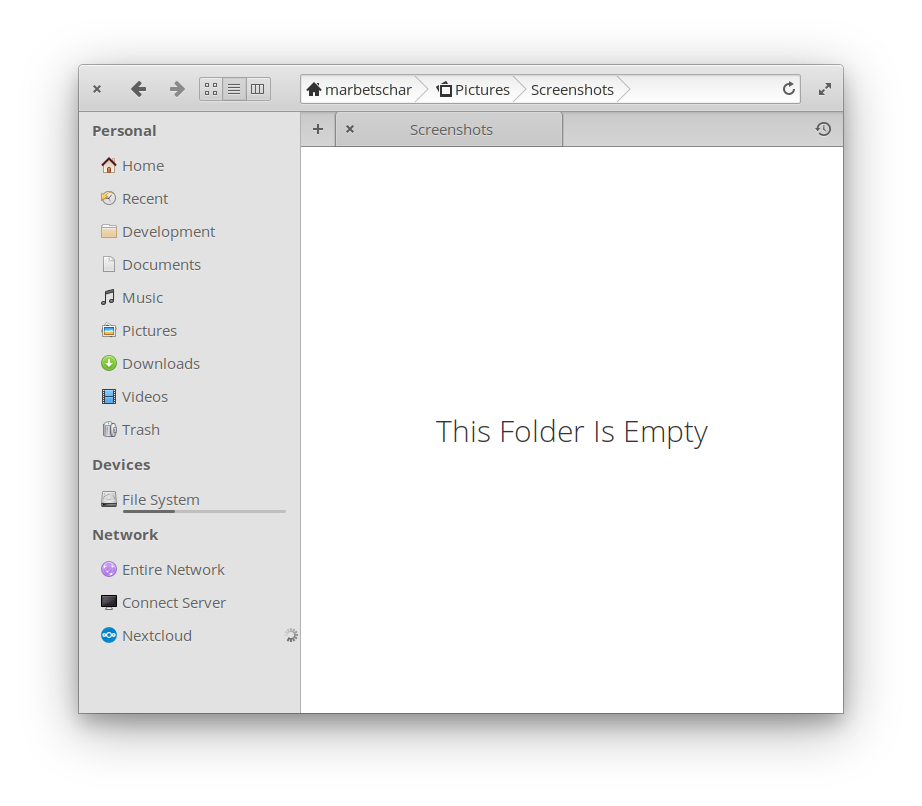
And that’s it. You successfully installed Nextcloud client on elementary OS. Start it up and configure it. Once you fully configured it, you’ll fall in love with its integration into elementary’s File Manager.